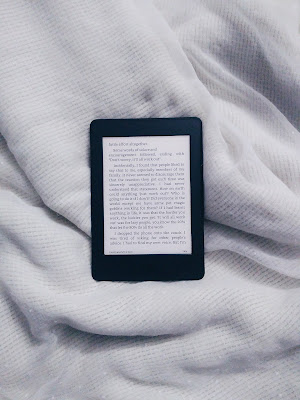
I’ve had this Kindle since 2017. It’s the 7th generation model, also called the Kindle Paperwhite 3. My thoughts about this, over the years:
4 years with the Kindle
Mar 2021:
I know most blog posts that talk about how the Kindle changed their life come from people who used to be absolutely in favor of paper books, and felt that a digital e-reader would dilute the essence and beauty of reading. It was only after they picked up and used the Kindle, that they were converts.
I am not one of those people. I have always wanted a Kindle, for a variety of reasons. That is not to say that I don’t love paper books. I definitely do. I have something over 500 paper books . But I couldn’t carry too many of them when I moved countries. What I did carry was my Kindle Paperwhite.
Since I got the Kindle as a birthday gift from my parents around 4 years ago (how time does fly!), I’ve discovered so many more reasons to love my Kindle. In fact, I’m seriously contemplating buying another e-book reader, but that’s another blog post.
Here’s how the Kindle has made my reading experience so much better:
– I am always reading multiple books at once.
– I can read even in tiny pockets of time.
– I was never a fan of carrying heavy books around.
Because of all these reasons, my reading used to be mostly limited to reading at home, because I wouldn’t carry more than one book when I went out. Now I read everywhere.
Plus,
– the e-ink technology really is fantastic.
– the LED light is great for reading at night.
I still love reading under the covers, as I have done since I was a child, when I was supposed to be asleep. Maybe the Kindle would have been super helpful at that age when I was trying to read sneakily and failing miserably at sneaking. My parents pretty much always knew, but hey, they’re the ones who got me into reading, so I don’t think they used to mind much, except on a school night. If you love reading in bed, the Kindle will make it so much easier. You won’t even have to hold it, just prop up the cover on the mattress and read on!
Basically, the dreaded “transition to e-readers from paper books” that people talk about and seem to be upset about sometimes, did not affect me one bit. I still read paper books, and indeed, still exchange them with my friends, but reading digitally was very easy for me to slip into. It’s been great. On top of all the above, it’s also what led me to start this blog. I was discovering so many indie authors, and I wanted to review all the nice books I was reading and support the authors in a small way. And now I’m a reviewer on Netgalley, too. I don’t know if any of this would even have happened without my Kindle.
I started Oh Just Books in March 2017, a few months after receiving my Kindle Paperwhite as a gift. So yeah. It’s been pretty cool.
10 years with the Kindle
Sept 2026:
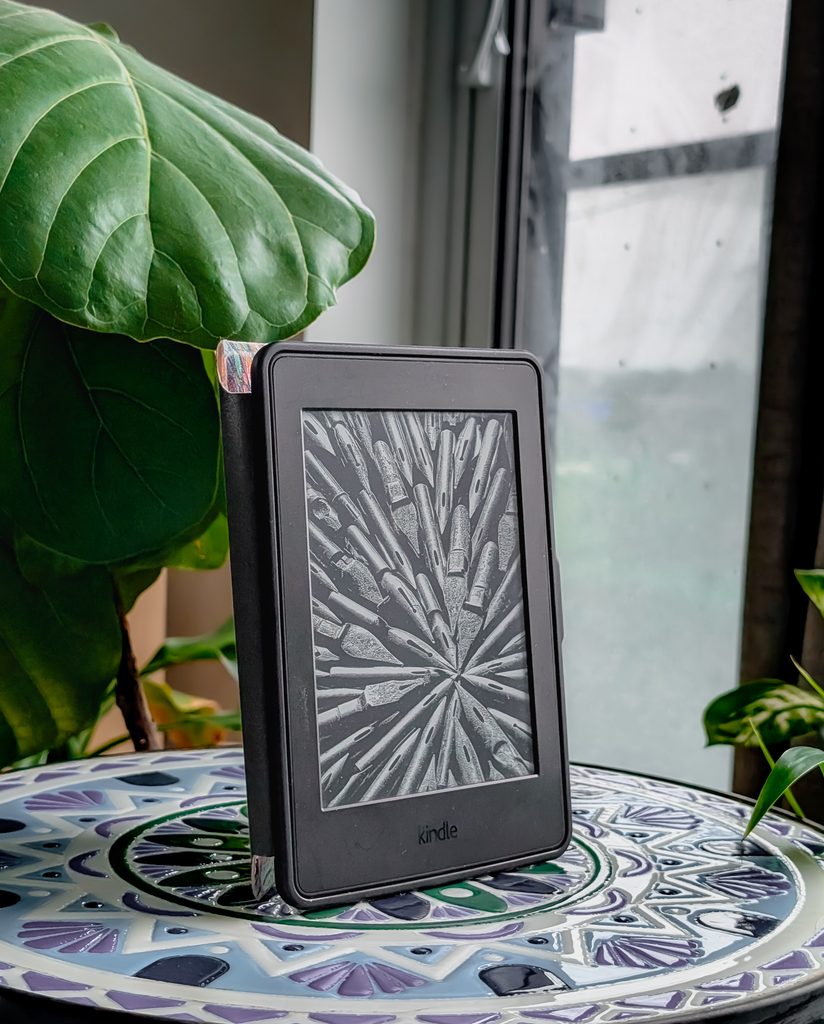
Wow, it’s been a minute! I still have this Kindle and I still really really like it. I also have a Kobo now and I’ll be writing about it soon. I still use the Kindle pretty regularly and yes I’ve seen the newer versions. I know about all the color and dark mode and all that jazz. Obviously it looks really cool. However, do I really need it? No, I don’t. And I’m pretty happy without it too. I just wanna read.
I did want to share some Kindle tips and tricks with you guys, though, so here goes:
how to reset kindle reading time
I end up having to do this every once in a while. I am assuming your book is already open. Click on the search button that’s in the top right corner. Type in this exactly ;ReadingTimeReset (it is case sensitive) and press enter. It will start recalculating your reading time! It’ll probably take some time, but let it do its thing, and you can get back to reading.
sync with libby
If you’re in the US, Libby will sync with your Kindle. Do it, support your local library and save money in the process! Here in Canada, Kobo works great with Libby.
free fonts for kindle
Did you know you can download whatever free fonts you like off Google Fonts and put them on your kindle? This works for any model! I especially like Literata, Montserrat, Lora, Sahitya, Linux Biolinum, among others. Simply download the .otf or .ttf font file on your computer, and drag and drop to a FONTS folder in the kindle software application when your kindle is connected to the computer. Your new fonts should show up on your device, and that’s all you need to do! Now you can change the font of any book you want.
acceptable file types for Kindle
Kindles work well with mobi and azw3 files. If there are any newer file formats, I do not know and haven’t tried them. Pdfs do not work well. epubs used to automatically convert when you sent it over by email, but I haven’t used that feature in a long time so I can’t say for sure.
That’s all for now, but there’s more ereader and e-ink stuff coming soon! Happy reading 🙂